Grok Bot usage limit: when it resets and how to make it last
Grok Bot's usage limit is a weekly allowance that resets once a week, back to 0%, on the date shown in your usage view: Settings → Usage & Billing → Usage limits in Grok Bot, or Usage at grok.com/dashboard on The X Subscription. It's measured by the work your Bots do, not by messages, and on The X Subscription it's one pool shared with Cursor and the Grok apps. The biggest savings, per xAI's docs and Cursor staff, come from starting a fresh chat for each task and running routines less often.
Why everyone hit 100% in November#
Over the Halloween weekend, Grok Bot users found their weekly meters at 100%, some overnight. On November 1, Elon Musk replied on X that "the cost of serving Grok Bot was unsustainably high relative to revenue" (TechCrunch).
The next day, Grok Bot 1.0 shipped. xAI, the company behind Grok (now part of SpaceX and calling itself SpaceXSI), says it made Bots more efficient, "reducing the resources required to complete tasks" (Grok Bot 1.0). On November 8, Musk said fixes "for improved token efficiency and smarter behavior are underway". On November 9 the official account reset weekly limits for all Grok Bot users.
As of November 12, 2026, nobody has announced bigger weekly allowances. The reset gave everyone a clean week. It didn't change how fast a week drains.
How the Grok Bot usage limit works#
Grok Bot meters work: agent steps and tokens, not the number of messages you send (Cursor's plans and billing help). Browser use, tools, subagents and re-reading the conversation all count. A one-line request can still cost a lot.
Where the limit lives depends on your plan:
- The X Subscription (Premium, Super or Ultra): Grok Bot has no meter of its own. It draws from the seat's weekly pool, shared with Cursor and the Grok apps, and "usage rates vary by product" (xAI's usage limits). A heavy coding day in Cursor leaves less for your Bots.
- Legacy Cursor plans and SuperGrok links: Grok Bot has its own Weekly usage limit, metered on your Cursor account and separate from your Cursor plan's own usage. A Cursor plan and a SuperGrok link don't stack: you get whichever grants more.
On The X Subscription, here's what each plan includes, from xAI's pricing page as of November 12, 2026:
| Plan | Price | Usage | Grok Bot |
|---|---|---|---|
| Plus | $8/mo | Base | No |
| Premium | $30/mo | 4× Plus | Yes |
| Super | $100/mo | 15× Plus | Yes |
| Ultra | $200/mo | 50× Plus | Yes |
On a team, each seat has its own weekly pool. A Team Bot's reply spends the usage of the person it's answering, in the app, in Slack and in group chats.
When does the Grok Bot weekly limit reset?#
On the date your usage view shows. xAI doesn't publish one reset day for everyone. It doesn't reset every five hours either, the way Claude's session limit does: once it's used up, you can be waiting days.
Five places show it:
- Grok Bot → Settings → Usage & Billing → Usage limits: how much of the week you've used and when it resets. The account menu can show Weekly usage at a glance.
- grok.com/dashboard → Usage on The X Subscription, with the next reset date.
- Grok Bot on iPhone → Settings → Usage.
- Ask your Bot. In a private chat, the Bot's owner can ask about plan and usage, and it reports what's used and when it resets (xAI's settings docs).
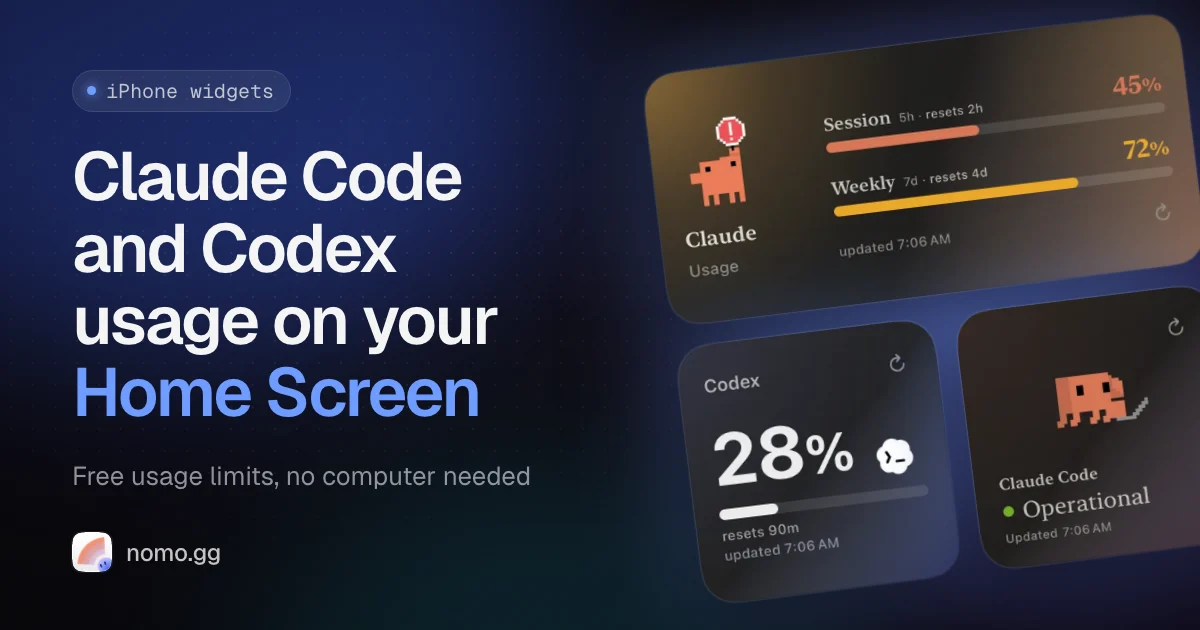
- Your Home Screen. A usage widget, such as Nomo's below, keeps the weekly pool and its reset countdown in view without opening anything.
Can you reset your Grok Bot limit early?#
Yes, with a usage limit reset. It brings your weekly usage back to 0% straight away. Resets you have sit under Resets in Usage & Billing, each with an expiry date: click Use reset, then Confirm. After using one, you have to wait before you can use another.
The only way to earn one yourself is the Grok Bot referral program: one reset per friend who becomes a paid subscriber, added 7 days after their payment and valid for 6 months. To refer, you need a paid individual Premium, Super or Ultra plan on The X Subscription, billed in the US on the web, at least 7 days old. It's still rolling out.
xAI has also reset everyone's limits a few times: on October 2 and November 9, for example. Those come unannounced, so don't plan around them.
Otherwise you have paid extra usage (prepaid credit with Auto Top-up on The X Subscription, on-demand usage on legacy Cursor plans) or a bigger plan. Both can have a monthly cap. On a legacy plan, the on-demand cap doesn't stop a run that's already going.
How to save Grok Bot usage: 8 things that work#
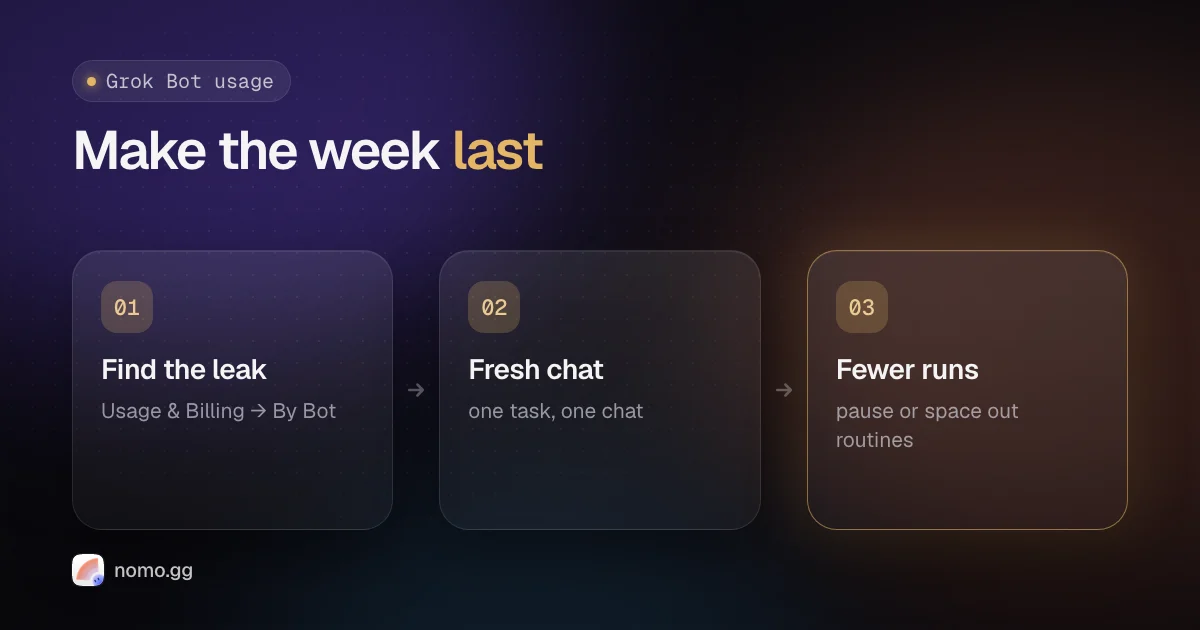
- Start a fresh chat for each task. Every reply re-reads the Bot's whole conversation, Cursor staff confirmed on the Cursor forum in September. A long session costs more per turn than a fresh one doing the same work. Old chats left idle cost nothing.
- Hand off long-lived Bots. For a Bot you can't leave, staff suggest asking it for a short handoff summary, then right-clicking it in the sidebar → Duplicate (if your version has it) and pasting the summary in. The copy keeps its name, instructions and routines but starts with an empty conversation and empty memory, so hide the original instead of deleting it.
- Space out routines. Each run spends usage. "An hourly schedule, a short interval, or a Slack trigger on a busy channel can use a week of usage in a day" (Cursor's routines help). Pause the ones you don't need. Test spends usage too.
- Narrow your triggers. One channel and one phrase, never "every new message". Broad listeners run on messages that don't need the Bot.
- Keep group chats small. Every Bot reply counts, including replies between Bots. Tell them "Don't message other Bots. Ask me first", and ask each one to remember it.
- Use a connected app over the browser. xAI's docs call apps like Gmail and Slack more reliable than clicking through a website. Users on the Cursor forum report they cost less too, which fits a meter that counts steps.
- Scope tight, then scale. Cursor's own advice: start with small, tightly scoped tasks and check what each one uses before running big jobs. Saying where the task ends keeps a Bot from exploring.
- Check By Bot before a big week. Usage & Billing → Grok Bot usage charts spend By Bot or By source, so you can see which Bot or routine is the leak.
Two things that won't help. Grok Bot has no model picker, so "switch to a lighter model" isn't an option. And Cursor staff's tip to hand heavy work to Cursor cloud agents only moves usage on a legacy plan. On The X Subscription, Cursor draws from the same pool.
| What burns usage | Do this instead | Source |
|---|---|---|
| One endless chat | New chat per task | Cursor staff |
| 15-minute routines | A few runs a day | Official + staff |
| "Every message" triggers | One channel, one phrase | Official |
| Bots chatting in groups | Fewer Bots, one owner | Official |
| Browser clicking | Connected app | Official + users |
Where Nomo fits#
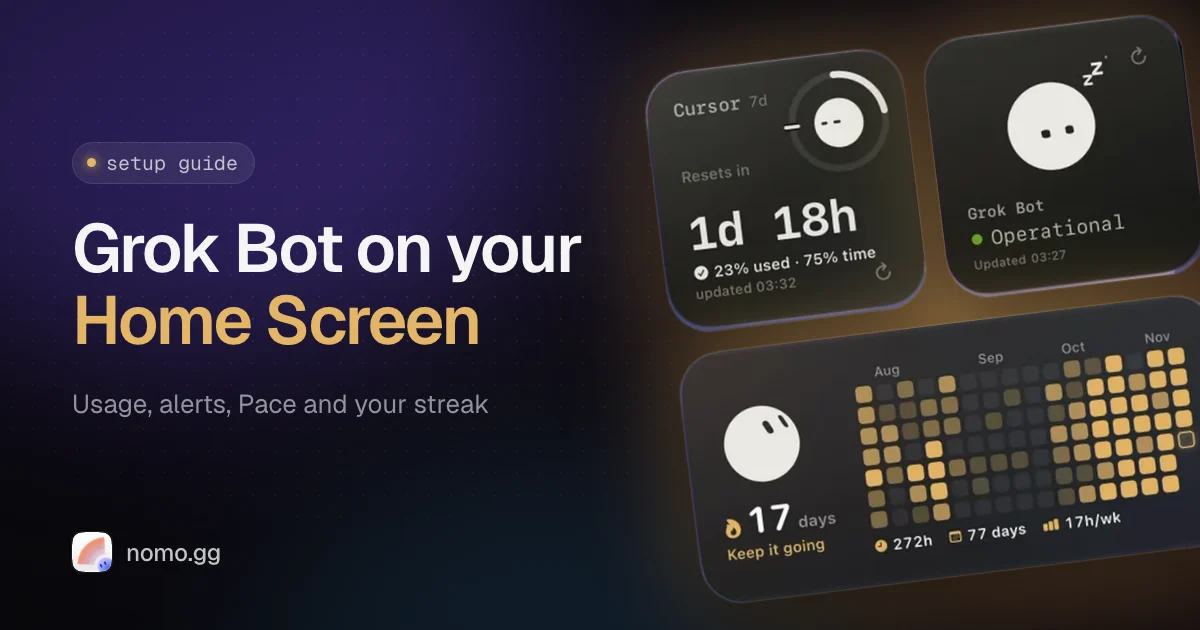
Nomo tracks your Grok Bot usage on a Home Screen widget. On The X Subscription, its Cursor widget shows one Weekly row, the pool Cursor shares with Grok Bot, and its xAI widget shows your weekly pool with the reset countdown. Both are free with no account, and Nomo alerts you at 70%, 90% and 100%. The Cursor widget shows Nomo's animated Grok bot, whose mood follows your usage: worried from 70%, broken at 100%. With Nomo Pro, the Nomo Pace widget compares how much of the week you've used with how much of it has gone by, so you know mid-week whether you'll run out at this pace. When you're going too fast it shows Runs out in in amber, early enough to slow down before 100%.
Nomo also shows xAI's status and Cursor's Grok Bot service, with outage alerts, so you know whether a stalled Bot is your limit or their outage. It can't see Grok Bot's per-Bot breakdown, and on a legacy Cursor plan Grok Bot's own weekly limit lives in Grok Bot's settings. Your sign-in stays on your iPhone.
Get Nomo on the App Store, then follow connecting Grok and Cursor and usage alerts in the docs. To set it all up, follow the step-by-step setup guide for the widgets, alerts, Pace and streak:
 Keep readingGrok Bot widgets on iPhone: usage, alerts, Pace and streakPut Grok Bot's status, weekly usage and alerts on your iPhone Home Screen for free, no computer needed. Nomo Pro adds Pace, tokens and a streak.
FAQ#
Does the Grok Bot limit reset gradually?
No. xAI's docs describe one weekly reset back to 0%, on the date shown in your usage view. Rolling two-hour windows you may read about apply to the free Grok chat app, not to Grok Bot.
Do Cursor and Grok Bot share a usage limit?
On The X Subscription, yes. Grok Bot, Cursor and the Grok apps draw from one weekly pool per seat. On legacy Cursor plans and SuperGrok links, Grok Bot has its own weekly limit, separate from your Cursor plan's usage.
Can I pick a cheaper model in Grok Bot to save usage?
No. Grok Bot has no model picker and chooses the model for each task itself. Cursor's help center says a task routed to Opus 5.5 doesn't cost you more per token.
Will Grok Bot charge me after I hit 100%?
On The X Subscription, usage past the pool comes out of any prepaid credit you've bought, and Auto Top-up refills it. A monthly additional usage limit is the hard stop. On a legacy Cursor plan it continues only if on-demand usage is on; otherwise Grok Bot stops until the reset.